
12 Best AI Tools for Content Agencies (Reviews, Pricing, Features, Etc.)

So many AI tools have popped up within the last 3-4 years.
And it can be hard to choose the right tool, especially for your content agency, when there are so many options.
What I’ve found though, is that it’s best to build a specialized "dream team" of tools where each tool is an expert at one or a few specific things.
Because most all-in-one platforms tend to be jack of all trades and master of none or at best, master of few. That’s why I made this list.
We'll cover a handpicked toolkit for distinct tasks, from expert interviews and content creation to SEO and video repurposing.
I’ll show you what each tool is best for and the agency problem it solves so you can build your own dream team of AI tools for your content agency.
Let's get into it.
Key highlights
- Build a specialized AI "dream team" instead of relying on a single all-in-one tool, which often ends up being a jack of all trades and master of none.
- The biggest risk with many AI writing tools is producing generic "AI slop." The best tools use a human-first workflow to make sure content is authentic and differentiated.
- AI-led tools focused on speed and volume, like Jasper, often need heavy editing and fact-checking, which can cancel out any time you were hoping to save.
- Generalist tools like ChatGPT and Claude are best as a starting point for ideas or short-form content. They need complex prompting and custom setups to produce usable long-form articles.
- One of the biggest content agency bottlenecks is getting knowledge from busy subject matter experts. Tools that streamline this process, like Leaps, solve a core operational challenge.
- Video repurposing is a huge growth area for agencies. Tools like Opus Clip and Descript let you efficiently turn long-form content like podcasts into dozens of social media clips.
Your AI agency stack at a glance
To help you build your own toolkit, here’s a quick look at the AI tools we’ll cover. I've broken them down by what they're best for and what they cost.
Name/Title | Key Benefit | Best For | Pricing |
An anti-AI slop content creation tool that doesn’t write a word until it clearly understands your POV for each part of your content, your voice, and has done the research and fact-checking to support your points. | Small to large content agencies who refuse to publish generic AI slop and want to create high-quality, long-form SEO/AEO articles, LinkedIn, or other thought leadership content based on real human insights. | BASIC: $49/month PRO: $99/month PREMIUM: $149/month | |
An AI assistant that excels at generating content with a natural, human-like tone and analyzing data for client reports. | Agencies needing to draft creative content, analyze large documents, or interpret data for client reports. | Free: $0/month Pro: $20/month Max: $100/month | |
A powerful collaboration hub where you can create custom GPTs trained on specific client data, styles, or workflows. | Kickstarting the creative process, from brainstorming and outlining to generating first drafts that need human refinement. | Free: $0/month Plus: $20/month Business: $30/month | |
An AI platform built for speed and volume, helping agencies execute entire content campaigns at scale, from ad copy to blog posts. | Agencies focused on high-volume content production across various marketing channels. | Pro: $69/month Business: Custom pricing | |
A powerful SEO toolkit supercharged with AI to streamline keyword research, content ideation, and competitive intelligence. | Content agencies that offer comprehensive SEO services and prioritize data-backed strategies. | Lite: $129/month Standard: $249/month Advanced: $449/month | |
Provides a data-backed roadmap for on-page SEO, helping your writers create content designed to outrank competitors. | Content agencies focused on scaling SEO content production for multiple clients. | Discovery: $59/month Standard: $99/month Pro: $219/month | |
An all-in-one visual design platform where AI simplifies creation and helps maintain brand consistency across all client visuals. | Creating social media assets and marketing materials while managing visual brand guidelines for multiple clients. | Pro: $15/month Business: $20/month | |
The fastest way to turn one long client video into a dozen high-potential social media clips by automatically identifying the most viral-worthy moments. | Agencies looking to scale video production by repurposing podcasts, webinars, and interviews for social media. | Starter: $15/month Pro: $29/month | |
The foundational AI tool for quality control, ensuring every piece of content meets professional standards for grammar, clarity, and tone. | Performing quality assurance on all client-facing content to ensure it's error-free and aligns with brand voice. | Pro: $30/month | |
An all-in-one production studio that simplifies complex media production by letting you edit video and audio just by editing a text transcript. | Agencies creating podcasts and video content, especially for repurposing long-form interviews into social media clips. | Creator: $35/month Business: $65/month | |
Eliminates manual note-taking, allowing your team to be fully present in meetings and still get perfect, actionable summaries. | Content agencies, marketing teams, and sales teams. | Free: $0/month | Pro: $18/month | Business: $29/month | Enterprise: $39/month. | |
Proves your agency's value by enabling you to clearly show clients that "marketing is working" with easy-to-digest dashboards. | Content agencies looking to automate reporting and prove ROI. | Professional: $159/month | Growth: $399/month | Premium: $799/month. |
Best AI tools to build your agency's dream team
Now we're getting into the specifics of 12 of the best AI tools for content agencies. This breakdown looks at their core features and unique value to help you choose the right ones for your team.
1. Leaps: Best for creating anti-AI slop, expert-led content that amplifies human thinking and expertise

I usually describe Leaps as an expert-led content platform that's designed to avoid AI slop.
Its biggest difference from other AI writers is its human-led, AI-assisted workflow. It doesn't just spit out text from a prompt. Instead, it moves from real-time research and capturing your point of view and direction to creating a detailed outline and then drafting the content.
This process makes sure the final article is original, research-backed, and in your voice.
From my own agency experience, I can tell you one of the biggest bottlenecks of creating expert-led content these days is getting insights from busy execs and subject matter experts (SMEs). And Leaps also solves this with a simple AI journalist voice-interview process. No calls needed and no login required from your experts.
Like one user said: “I like how it makes it easy for me to save time on getting expert insights from my clients... it saves me time from having to do the chase for content responses.”
It also has an AI Research Assistant that handles the heavy lifting of fact-checking, so you’re not stuck editing for hours.
This is how you can scale high-quality, research-heavy content from product comparisons like “Asana vs Clickup”, product listicles like “Best AI tools for SEO and AEO”, to how-to content like “How To Use AI for SEO Content Writing” and thought leadership pieces.
Another Leaps user explained it perfectly: "It's like an AI tool that operates how humans do with the journalist questions that pull out my insights for the content."
Key features of Leaps
- Human-led, AI-assisted workflow: Follows a human-first process, starting with your or your client’s point of view before using AI for research, outlining, and drafting.
- AI research assistant: Conducts accurate, real-time research and fact-checking on topics, pulling data, reviews, and pricing for articles like product comparisons.
- Anti-AI slop, expert-led content creation in multiple formats: You can create long-form SEO & AEO content, LinkedIn posts, thought leadership articles, , newsletters, quotes, and tweets from your insights captured.
- Saved writing style guide: You can save the writing style and brand guidelines for each of your clients and each of their SMEs to create content that sounds like them.
- Voice-to-text AI journalist interviews: Lets you or your clients provide insights, direction, and expertise for your content by speaking instead of typing, capturing raw, authentic thoughts.
- Frictionless SME collaboration: Your clients or experts can contribute insights to content without signing up, and automated email reminders keep projects on track.
- Original, expert-led outlines & briefs: Creates detailed, unique content outlines based on captured expert insights while still optimizing for search.
- Brand voice management: Saves the specific writing style and voice for each client or expert, ensuring consistency when creating content at scale.
- Unlimited team members: Add unlimited team members to any plan you choose so it’s perfect for small to large agencies.
- Convert call transcripts into content: Convert client interviews or podcasts into thought leadership content for LinkedIn, newsletter, thought leadership articles, etc.
Pros of using Leaps
- Produces original, high-quality content by grounding the entire process in human expertise, effectively avoiding generic AI slop.
- Dramatically reduces time spent on editing, research, fact-checking, and creating content briefs.
- Produces original long-form SEO/AEO content, LinkedIn content, etc. based on your unique human insights and direction that avoids AI slop.
- Solves the critical agency challenge of easily and efficiently extracting knowledge from busy SMEs.
- The simple, baked-in workflow has a minimal learning curve and doesn't require complex custom setups.
- Enables agencies to scale high-quality, differentiated content production for multiple clients without losing their POV or voice.
Cons of using Leaps
- As a human-led, not AI-led tool, it's not for users who want to generate content instantly from a single prompt.
- The process is more involved than fully automated AI writers because it requires human input before drafting begins.
Pricing for Leaps:
- BASIC: $49/month
- PRO: $99/month
- PREMIUM: $149/month
- You can save 20% with annual billing.
Related:
- 9 Best Long-Form AI Writers for Content Marketing & SEO
- How to Use AI for LinkedIn Posts (For Leaders Avoiding Slop)
2. Claude: best for natural-sounding content, simplifying data analysis and report drafting

From an agency perspective, I think Claude is useful for a lot more than just writing.
While it produces less robotic and more natural-sounding text which is a huge plus, one often overlooked use case for agencies is its ability to analyze massive datasets and help draft client reports.
Its key differentiator is its large context window, which lets it process huge documents or data exports.
You can feed it data from Google Analytics and ask it to draft the narrative for a client report. This handles the heavy lifting, letting your team focus on adding strategic insights.
I saw one user comment that they "switched to Claude 3.5 sonnet for content writing, never looked back" after finding other models too robotic.
Key features of Claude
- Large context window: Processes extensive documents like research papers, client briefs, or raw data sets from platforms like Google Analytics.
- Data analysis and interpretation: Can ingest and interpret large chunks of data to help draft the narrative portions of client reports.
- Natural language content generation: Great at drafting articles and marketing copy with a less "robotic" and more natural tone.
- Document and image summarization: Quickly extracts key insights from various source materials to accelerate the research process.
- Project-based organization: Lets agencies organize different client conversations and campaigns into separate projects.
Pros of using Claude
- Produces written content that many regard as more natural and human-like compared to competitors.
- Excels at analyzing and summarizing large volumes of text and data, saving time in the research and reporting phases.
- Drafts narrative reports from raw data, providing a strong foundation for your team to build upon.
- The project organization feature helps agency teams manage multiple client workflows efficiently.
Cons of using Claude
- Requires significant time and effort in custom setup and prompting to generate high-quality, usable content.
- Without heavy human editing, the "human-sounding" text can still be generic and lack a unique point of view.
Pricing for Claude:
- Free: $0/month
- Pro: $20/month
- Max: $100/month
- Team: $30/month
Related: 9 Best Claude alternatives for Writing (#1 is Anti-AI slop)
3. ChatGPT: best for building a collaborative hub with custom AI assistants

I see ChatGPT's biggest strength for agencies as a collaboration hub where you can build custom GPTs tailored to specific client workflows.
While many people use it as a starting point for drafts and ideas, one powerful way to use it is by creating these custom GPTs as specialized AI assistants.
But getting this right requires you to figure out custom setups and prompts. I’ve found that for long-form content, the output will still need heavy editing and fact-checking due to AI hallucinations and “AI tells.”
In my opinion, this defeats the purpose of using it to save time when you end up spending several hours editing.
But for short form content, it can still work well.
A Reddit user mentioned they use it as a starting point and "make adjustments to sound more in their voice and fit what they want to say better."
It's also more than just a writing tool, though. You can use it for interpreting data, drafting parts of reports, and creating images with DALL-E.
Key features of ChatGPT
- Custom GPTs: Lets agencies build and share custom chatbots trained on specific client data, styles, or workflows to create tailored AI assistants.
- Content creation & ideation: Quickly generates outlines, drafts, and creative ideas for marketing campaigns, but requires proper prompting to be effective.
- Image generation (DALL-E): Creates custom images and graphics for blogs and social media on the fly directly within the chat interface.
- Shared workspace: Enables multiple team members to work together on AI-driven projects within a collaborative environment.
Pros of using ChatGPT
- Acts as a highly versatile starting point for a wide range of tasks from writing to data analysis.
- Offers a powerful way for agencies to create specialized, client-specific tools with custom GPTs.
- Fosters team collaboration on AI projects with a shared workspace.
- Adds a visual creation capability with integrated image generation without needing another tool.
Cons of using ChatGPT
- Output often requires heavy editing and fact-checking, especially for long-form content.
- Prone to AI hallucinations, making it unreliable for factual content without thorough verification.
- Effective use requires significant effort in setting up custom prompts and workflows.
Pricing for ChatGPT:
- Free: $0/month
- Plus: $20/month
- Business: $30/month (or $25/user/month with annual billing)
- Enterprise: Custom pricing
4. Jasper: best for executing entire marketing campaigns at scale

I’d frame Jasper as the go-to AI platform for agencies that need to execute entire marketing campaigns at scale, from ad copy and social posts to emails and blog articles.
Its main strengths are speed and volume, making it a powerful engine for producing a high quantity of content very quickly.
But there’s a trade-off. When the focus is on speed, you can lose out on quality. So the output often requires heavy editing, and you have to watch out for hallucinations.
One user pointed out that "Jasper is happy to incorporate facts and data into its writing that we find to be false when doing our fact-checking afterwards."
So you have to be prepared to do your fact-checking.
That said, its Brand Voice feature is great for maintaining consistency across multiple clients. If your agency needs to create 50 different ad variations for a client's campaign, Jasper's templates and speed are hard to beat.
Key features of Jasper
- 50+ content templates: Accelerates the creation of specific assets like social media posts, ads, emails, and blog intros.
- Brand voice & knowledge base: Aligns all generated content with a specific client's tone, style, and messaging by learning from provided materials.
- Collaboration tools: Provides a unified workspace for agency members to create, review, and manage content together.
- Plagiarism checker: Checks content for originality before delivery, which is valuable for agencies working with multiple writers.
Pros of using Jasper
- Excels at generating a high volume of content quickly, ideal for agencies with demanding production schedules.
- Offers over 50 templates tailored for marketing and sales content, speeding up asset creation.
- Allows entire agency teams to work within a single platform with strong collaboration features.
- The Brand Voice feature is effective for maintaining tonal consistency across different clients.
Cons of using Jasper
- The focus on speed and volume can result in lower-quality output that requires heavy human editing.
- Content can contain factual inaccuracies or "hallucinations," demanding rigorous fact-checking.
- The AI-led workflow can diminish the human element, potentially leading to generic content.
Pricing for Jasper:
- Pro: $69/month
- Business: Custom pricing
- You can save approximately 20% with annual billing.
Related:
- 11 Jasper Alternatives (#1 Writes Zero AI Slop)
- Jasper AI Pricing, Features, & Reviews: Is It Worth It?
- Jasper vs. Copy.ai vs. Leaps: Which AI Writer Is Best for You?
- Jasper AI vs Rytr: My Findings, User Reviews, Pros & Cons
5. Ahrefs AI: best for data-backed SEO and competitive intelligence

Ahrefs is the essential SEO toolkit for agencies that prioritize data-backed competitive intelligence.
Everyone in the SEO world knows and trusts Ahrefs for its powerful data, and its new AI features enhance that core strength, helping you streamline everything from keyword research to content ideation.
For agencies offering SEO content services, these AI features can make your workflow much smoother.
For example, you can use AI keyword suggestions to find new opportunities, then use the AI Content Helper to generate optimized meta descriptions and titles.
In the words of an Ahrefs user, "I've used Ahrefs at every marketing agency I've worked with. I leverage Ahrefs' data to make our SEO processes more efficient, which lead to happier customers.”
You just need to be cautious with its AI-led content creation features. Because content generation isn't the platform's primary focus, the output can be a bit generic and will likely need heavy editing.
Key features of Ahrefs
- Keywords explorer with AI: Provides comprehensive keyword data now enhanced with AI suggestions and search intent analysis.
- Site explorer: Delivers in-depth analysis of competitors' backlink profiles and top-performing content.
- Content explorer (for AEO/GEO): Finds popular content in a niche, giving you insights into what resonates with users and AI engines.
- AI content helper: Assists in optimizing content by generating meta descriptions and titles, and improving topic coverage.
- Rank tracker: Monitors search engine rankings for clients' target keywords across different geographic locations.
- AI content auditing: Helps agencies audit clients' existing content libraries to find optimization opportunities.
Pros of Ahrefs
- Built on a foundation of trusted, industry-leading SEO data and analytics.
- AI features enhance the entire SEO workflow, improving agency efficiency.
- Provides powerful competitive intelligence for data-backed content strategies.
- A comprehensive tool for keyword research, content ideation, auditing, and rank tracking.
- Its core SEO tools have been updated to account for AI search behavior.
Cons of Ahrefs
- AI content generation is not the platform's main focus and can produce generic text requiring significant human editing.
- Some users may find the AI features feel like an add-on rather than a seamlessly integrated core component.
Pricing for Ahrefs:
- Lite: $129/month
- Standard: $249/month
- Advanced: $449/month
- Enterprise: $1,499/month
- You can save up to 17% with annual billing.
6. Surfer AI: best for scaling on-page SEO content production

Surfer is a popular tool for agencies looking to scale on-page SEO content. It can save you hours on research, writing, and optimization by taking you from a keyword to a fully optimized article with the click of a button.
But you have to use its article generation feature with caution. Because its workflow is so AI-led, it removes the human from the creative loop, which can lead to generic "AI slop" that needs a lot of heavy editing.
Also note that its core method is to analyze what's already ranking on Google and help you create something similar.
The risk here is that you end up with "copycat" content that doesn't add anything new for your clients.
While its AI features are great for getting a first draft up quickly, you have to add crucial human insights to make the content truly rank-worthy.
As one user explains, "it compares the top 10 results, then gives you a guideline of what to write... The aim is to create a piece of content that resembles that of the top 10 results."
Key features of Surfer
- Topical map generation: Helps you plan content clusters to establish your client's website as a topical authority for both SEO and AEO.
- Content audits: Analyzes existing content on a client's site and provides actionable suggestions for optimization for search and AI engines.
- White label solutions: Lets agencies present Surfer's data-rich reports to clients under their own branding.
- Keyword research and clustering: Identifies and groups relevant keywords to help agencies build topical authority for clients.
- Integrations: Connects with essential agency tools like Google Docs, WordPress, and Jasper to streamline workflows.
Pros of using Surfer
- Saves agencies significant time on research, writing, and optimization when working at scale.
- Provides a clear, data-driven roadmap for creating content designed to outrank competitors.
- White Label reports are a professional way to showcase SEO work to clients.
- Seamless integrations with common agency tools improve workflow efficiency.
Cons of using Surfer
- The AI-led, "one-click" article generation can produce generic "AI slop" that requires heavy human editing.
- Its core methodology of mimicking top-ranking pages can lead to "copycat" content that lacks originality.
- The real-time scoring system can be rigid and overly focused on keyword density rather than holistic content quality.
Pricing for Surfer:
- Discovery: $59/month
- Standard: $119/month
- Pro: $219/month
- Peace of Mind: $359/month
- Enterprise: $999/month
- Annual billing is available for a discount.
Related: 11 Clearscope Alternatives (#1 Avoids Copycat Content)
7. Canva AI: best for maintaining visual brand consistency for clients

I see Canva as the best tool out there for agencies that need to maintain visual brand consistency across multiple clients.
Its suite of "Magic Studio" AI features makes creating visual content easier for everyone, but its real value for an agency is in brand management.
Features like Brand Kits are a lifesaver. You can save each client's logos, color palettes, and fonts, and switch between them with a single click.
This ensures a post for your fintech client never accidentally goes out with the branding of your CPG client.
Then you have Magic Switch, which lets you instantly reformat a design for different platforms, turning a single graphic into a whole set of assets for Instagram, LinkedIn, and X.
As one happy user put it, "I'm in love with magic write, magic grab, and magic media!"
Key features of Canva
- Brand kit: Lets agencies store and easily apply each client's specific logos, color palettes, and fonts to maintain brand consistency.
- Magic switch: Instantly resizes and reformats a single design into various formats, such as turning a presentation slide into a series of social media posts.
- Magic studio (AI suite): A collection of AI tools including Magic Write (text generation), Magic Edit (photo editing), and Text to Image.
- Team collaboration features: Enables agency members and clients to comment, edit, and approve designs in real-time within a shared workspace.
Pros of using Canva
- Manages and applies multiple client brand guidelines efficiently.
- AI-powered features significantly speed up content repurposing and creation.
- A user-friendly interface makes it accessible for non-designers on the team.
- Acts as a centralized platform for design, collaboration, and content scheduling.
- Real-time collaboration streamlines the feedback and approval process with clients.
Cons of using Canva
- May lack the advanced functionality of professional-grade design software for highly complex projects.
- The most powerful AI features and brand management tools are locked behind paid plans.
- Can lead to "look-alike" designs if you don't heavily customize templates.
Pricing for Canva:
- Canva Free: $0/month
- Canva Pro: $15/month
- Canva Business: $20/month
- Annual billing options are available for savings.
8. Opus Clip: best for automatically repurposing long-form video into viral social clips
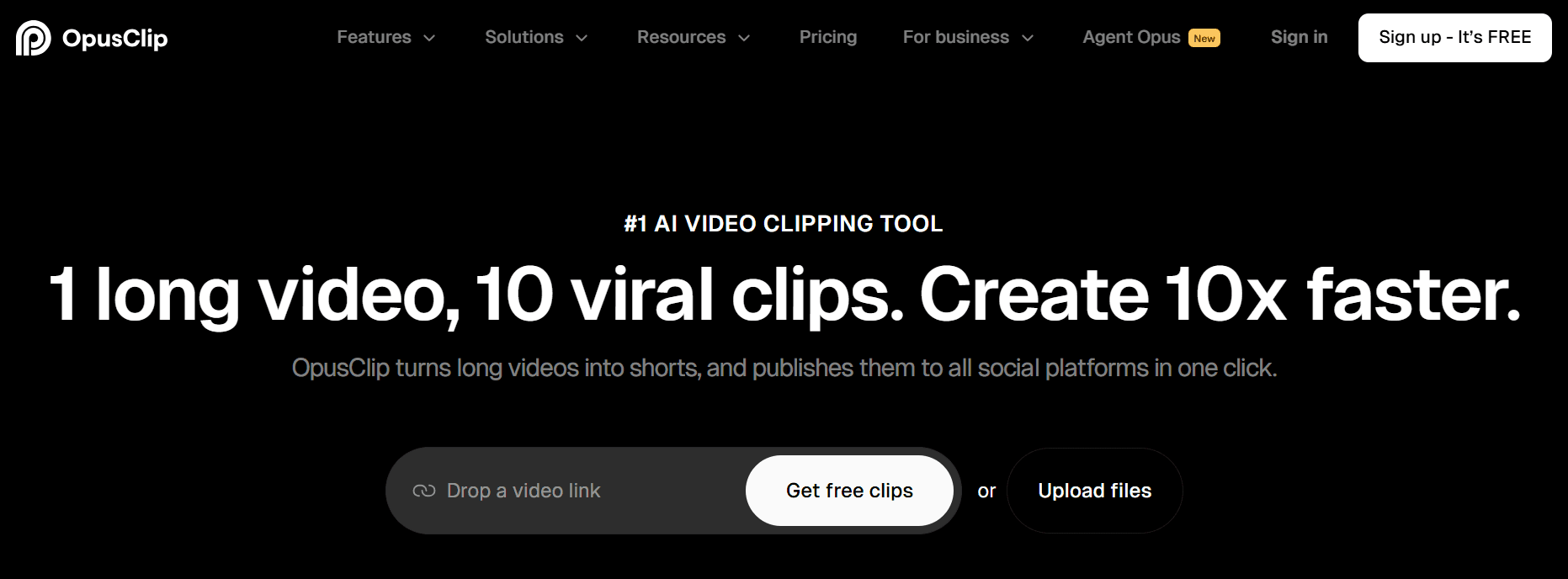
Opus Clip is perfect for content agencies looking to scale video content services.
It’s the fastest and smartest way I’ve seen to turn one long client video, like a podcast or webinar, into a dozen high-potential social media clips.
If you offer video services or want to, this tool can be incredibly helpful. Imagine your client's CEO was just on an hour-long podcast.
Instead of having an editor spend a day scrubbing through the footage, you can run the video through Opus Clip.
Its AI automatically finds the most viral-worthy segments, adds animated captions, and reframes them for TikTok and Reels.
One Reddit user shared a great take: "The AI does a good job finding attention-grabbing moments and creating clips that feel native to TikTok/Instagram... it saves a ton of time."
Key features of Opus Clip
- AI-powered clip generation: Automatically analyzes long-form videos to identify and extract the most engaging segments.
- AI curation & Virality Score™: Analyzes content against marketing trends to select clips with the highest potential for going viral.
- AI B-roll generation: Automatically adds relevant supplementary footage to clips to increase visual interest and storytelling quality.
- Brand kit & customizable templates: Lets agencies create and apply on-brand templates with specific client logos, fonts, and colors.
- Automated captions with highlighting: Generates dynamic, animated captions and automatically highlights keywords to boost engagement.
Pros of using Opus Clip
- Massively reduces the time required to repurpose long-form video content.
- Effectively identifies engaging moments that have a higher potential for social media success.
- Automates tedious tasks like captioning, reframing, and adding B-roll.
- Enables agencies to easily scale video production services for multiple clients.
- The brand kit feature ensures all client content remains consistent and professional.
Cons of using Opus Clip
- The AI's output may still require some manual editing and fine-tuning for perfection.
- The focus on "viral" trends might not be suitable for all clients or niche B2B content strategies.
Pricing for Opus Clip:
- Free: $0/month
- Starter: $15/month
- Pro: $29/month
- Business: Custom pricing
- Users can save up to 50% with annual billing.
9. Grammarly: best for quality assurance and brand consistency
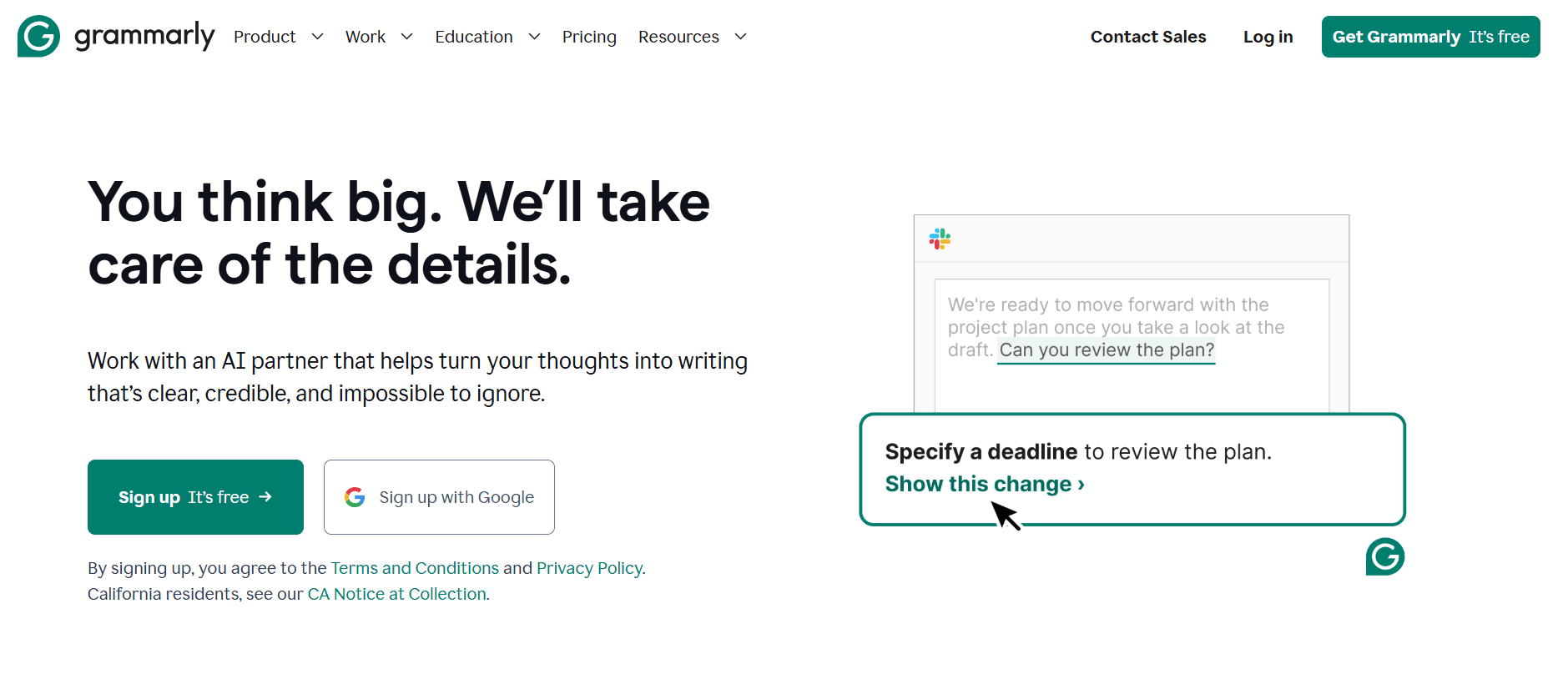
I see Grammarly as the foundational AI tool for quality assurance at any content agency.
It has evolved way beyond just being a grammar checker. It’s now an essential partner for making sure every piece of content that leaves your agency is clear, professional, and on-brand.
To really get value from it, though, you need the paid version. For agencies, the Style Guide feature is a must-have. You can create custom style guides for each client to enforce specific rules, like using certain terminology or maintaining a particular tone.
It’s that final layer of polish that ensures consistency, especially when you have multiple writers working across different client accounts.
But be aware that it has its limitations and you might need to ignore some of its suggestions. A user on Reddit said this: "Out of curiosity, I ran about 60,000 characters through Grammarly...First time trying it. It came up with 32 errors, so I scanned through them. They were all absolutely incorrect. Every single one of them.”
Key features of Grammarly
- Style guide and snippets: Lets agencies create and enforce specific writing rules, terminology, and brand voice guidelines for each client.
- AI-powered suggestions: Goes beyond simple grammar to offer improvements for clarity, tone, engagement, and conciseness.
- Full-sentence rewrites: Offers alternative phrasing to improve the flow and impact of sentences with a single click.
- Plagiarism detection: Checks content against billions of web pages to ensure originality before client delivery.
- AI humanizer: Refines AI-generated text to sound more natural, engaging, and authentic.
Pros of using Grammarly
- Acts as an essential quality control gate for all written content.
- Effectively enforces brand voice and style consistency across different writers and clients.
- Improves the overall quality of writing, not just correctness.
- A built-in plagiarism checker ensures the content your writers create is original.
- Helps writers at all skill levels produce more professional work.
Cons of using Grammarly
- The most critical features for agency work, like style guides, are exclusive to the paid plans.
- The free version's utility is very limited for professional content teams.
- AI suggestions can occasionally miss context or stylistic nuance, requiring human judgment.
Pricing for Grammarly:
- Free: $0/month
- Pro: $30/month (or $12/month when billed annually)
- Enterprise: Contact Sales
10. Descript: best for text-based video and podcast production
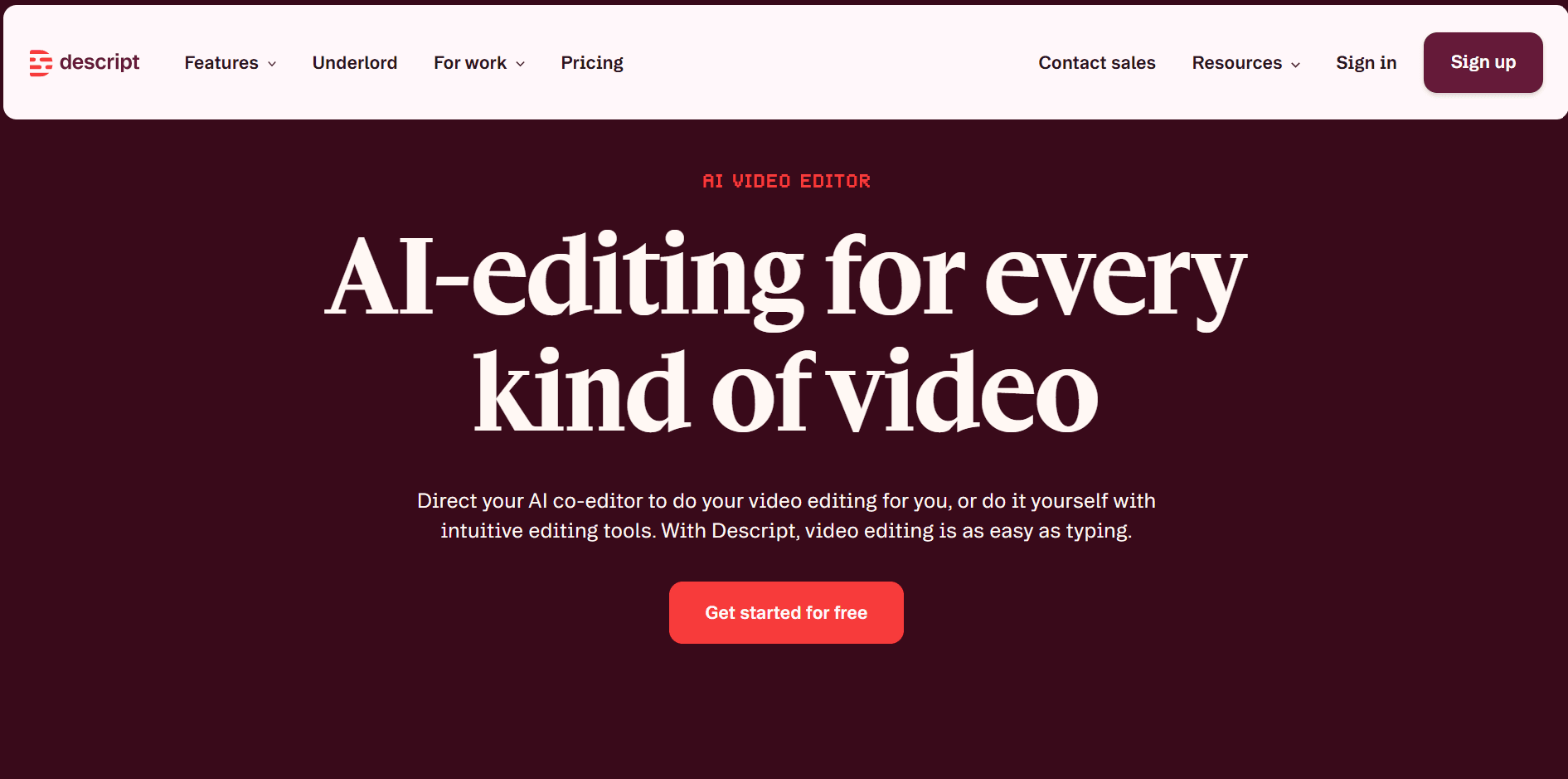
Descript is an all-in-one production studio for agencies creating podcasts and video content.
Its standout feature is the text-based editing, which lets you edit audio and video just by editing the transcript.
Instead of fumbling with complex timelines, you can simply highlight and delete a sentence in the text, and Descript automatically removes the corresponding video and audio. It’s a brilliant idea that makes production so much more intuitive.
It's great for agencies that do video content. It simplifies the whole process, making it easier to create and repurpose content without needing a team of specialized video editors.
One Reddit reviewer captured this perfectly: "I think Descript is a brilliant idea for editing via transcript, in fact, an amazing idea and I love it."
Key features of Descript
- AI-powered text-based editing: Edit video and audio by deleting or modifying the text in the auto-generated transcript.
- Studio sound: Uses AI to remove background noise, echo, and enhance voice quality with a single click.
- Filler word removal: Automatically detects and deletes filler words like "ums" and "uhs" to clean up audio tracks instantly.
- AI voices: Creates a realistic clone of a speaker's voice to easily correct misspoken words or add new narration.
- Social video creation and templates: Provides tools and templates to quickly turn horizontal videos into vertical, captioned social clips.
Pros of using Descript
- Its editing workflow makes video and audio production as easy as editing a text document.
- Drastically simplifies and speeds up the process of creating social media clips from longer content.
- Acts as an all-in-one tool for recording, transcribing, editing, and mixing audio and video.
- Powerful AI features like Studio Sound and Filler Word Removal save hours of manual editing.
Cons of using Descript
- Users report performance issues, with the software sometimes being slow or buggy.
- While the core idea is simple, some specific tasks can be less intuitive than in traditional editors.
- May not be suitable for highly complex, professional-grade video projects that require granular timeline control.
Pricing for Descript:
- Free: $0/month
- Creator: $35/month
- Business: $65/month
- Enterprise: Custom pricing
- Users can save up to 35% with annual billing.
11. Fireflies: Best for automating meeting notes and mining for content ideas
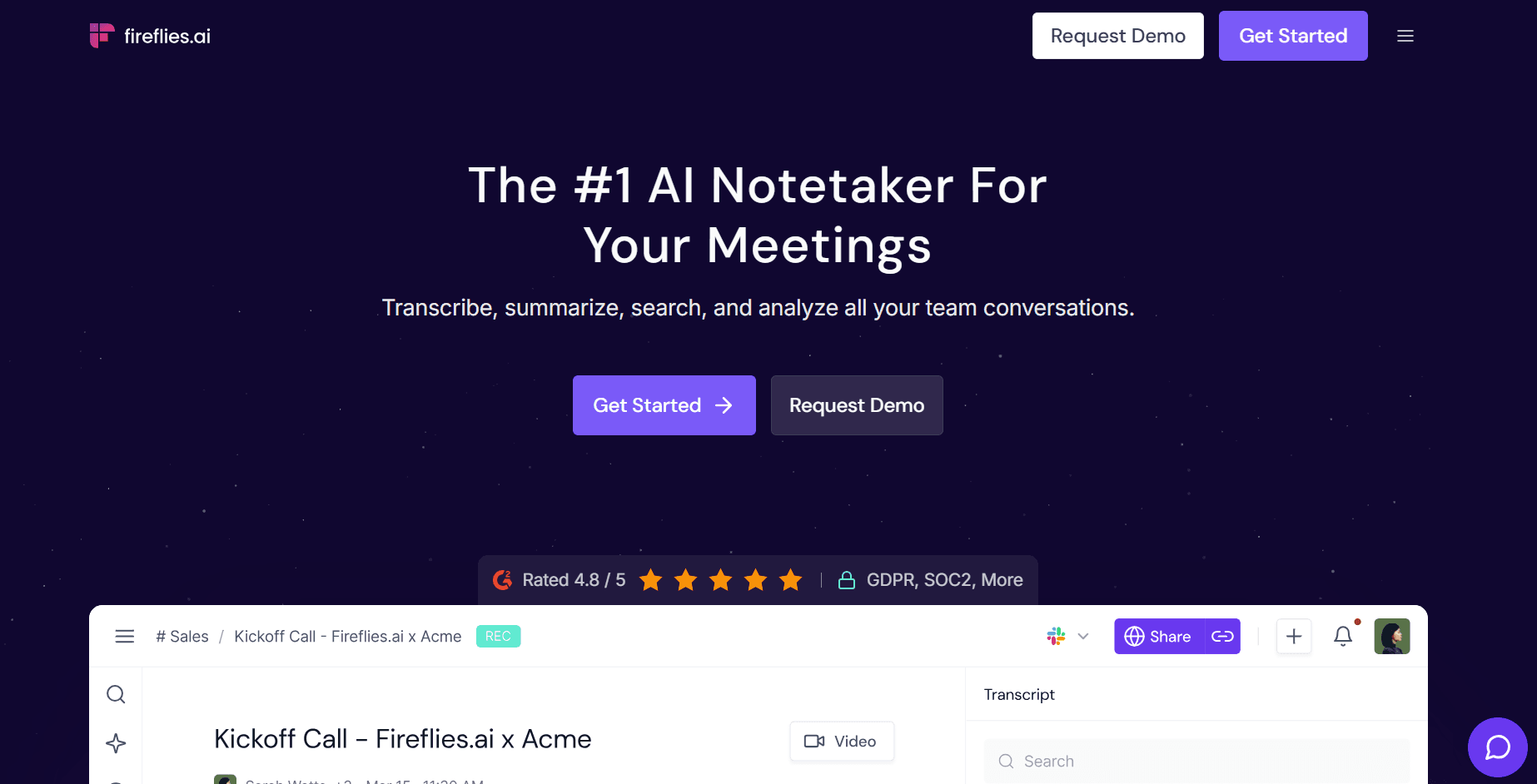
From my perspective, Fireflies is a time-saving machine that does more than just take notes.
It eliminates the need for manual note-taking, which lets your team be fully present and engaged during client calls or internal brainstorms.
You walk away with perfect, actionable summaries and a full transcript without ever having to type a word. I saw one Reddit user say, "The summaries save me HOURS."
But the real power for agencies is using it as a strategic tool. You can mine client calls, SME interviews, and discovery sessions for incredible content ideas.
For example, when a prospect on a discovery call mentions a specific frustration, you can later search the transcript for that keyword, create a soundbite of their exact words, and use that insight to build a blog post that speaks directly to that pain point. This is how you turn conversations into content that attracts more high-value clients.
Its integrations are also a big plus. Connecting it to a tool like Slack automates follow-ups and keeps the whole team in the loop.
Another user mentioned that "the Slack integration was what sold me. I don't have to think about follow-ups anymore."
Key features of Fireflies
- Automatic transcription and summarization: It records and transcribes meetings with high accuracy and then creates AI-powered summaries with action items and key topics.
- AI-powered search: You can instantly search all your past conversations for specific keywords, topics, or action items.
- Soundbites: This feature lets you clip important moments from calls into shareable audio snippets for easy reference or even for creating promotional content.
- Conversation Intelligence: Fireflies provides analytics on things like speaker talk-time and sentiment to help you improve meeting dynamics.
- Live Assist: It can offer real-time suggestions and coaching during live meetings to help guide the conversation.
- Collaboration integrations: It pushes meeting summaries and notes directly into tools your agency already uses, like Slack, Notion, Asana, and Trello.
Pros of using Fireflies
- Saves a huge amount of time by automating the note-taking and summarization process.
- Turns every conversation into a searchable, reusable asset for your content strategy.
- Helps your team stay fully engaged in meetings instead of being distracted by typing notes.
- Uncovers valuable content ideas, client pain points, and direct quotes from your calls.
- Provides data-driven insights to help you improve meeting effectiveness.
- Integrates smoothly into existing agency workflows in tools like Slack and Asana.
Cons of using Fireflies
- Poor audio quality, strong accents, or specific industry jargon can sometimes affect transcription accuracy.
- The number of features might create a bit of a learning curve for teams not used to conversation intelligence tools.
- You have to make sure you get client consent to record calls, which adds a small administrative step to your process.
Fireflies pricing:
- Free: $0/month
- Pro: $18/month
- Business: $29/month
- Enterprise: $39/month.
- You can also save up to 44% with annual billing.
12. Databox: Automating client reporting and proving ROI
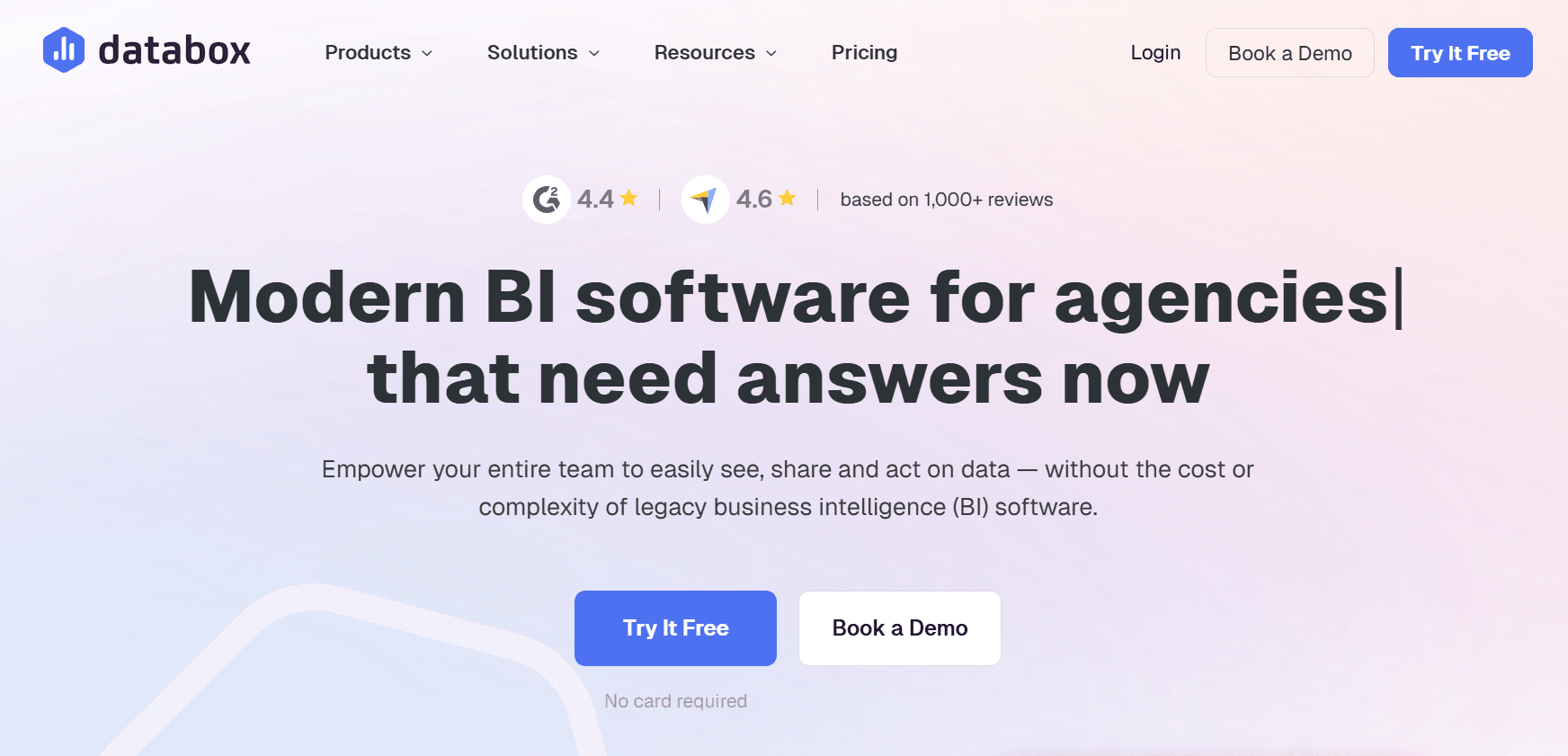
When it comes to client reporting, the goal isn't just to show numbers; it's to prove your agency's value.
Databox is easily one of the best tools I've seen for this because it helps you clearly show clients that your marketing efforts are working through clean, easy-to-understand dashboards.
It’s built for content agencies that need to automate their reporting and justify their spend.
You know the end-of-month scramble to pull data from Google Analytics, HubSpot, and three different social media platforms. Databox ends that chaos and strengthens your client relationships.
Key features of Databox
- Reporting automation: It saves a ton of time by getting rid of the manual work of compiling data into spreadsheets and presentations.
- Flexible data integration: Databox connects with over 130 sources like Google Analytics and HubSpot, pulling everything into a single, smart dashboard.
- Self-serve client reports: This feature gives your clients access to their performance data whenever they want, which is a huge win for transparency.
- Ease of use for non-technical teams: Your account managers and other staff can build and manage reports without needing to be data analysts.
- Business-wide visibility: You can create dashboards to track key business metrics like MRR and churn, not just marketing KPIs.
Pros of using Databox
- Drastically reduces time spent on manual client reporting.
- Makes it easy to prove the value and ROI of your marketing efforts.
- Increases client trust and retention through transparent, accessible data.
- Empowers non-technical team members to create and manage reports.
- Centralizes data from multiple sources into a single source of truth.
- AI summaries help explain performance trends, making reports easier for clients to understand.
Cons of using Databox
- It can have a bit of a learning curve when you're setting up complex dashboards with a lot of data sources.
- Lower-tier plans limit the number of data source connections.
- The price might be a significant investment for smaller agencies or solo consultants.
Databox pricing:
- Professional: $199/month
- Growth: $499/month
- Premium: $999/month.
- You can get a 20% discount if you opt for annual billing.
Frequently asked questions about the best AI tools for content agencies
You probably have some questions. Here are my answers to some of the most common ones I hear from agency founders.
How can content agencies use AI without producing generic AI slop?
You should prioritize tools that use a "human-first" workflow. I believe the best way to avoid generic output is to use platforms like Leaps that start by capturing your team's or your client's unique point of view before using AI for writing.
Should my agency choose a single all-in-one AI platform or multiple specialized tools?
From my experience, it's best to build a specialized dream team of AI tools. Generalist platforms can tend to be "jack of all trades, master of none." A curated stack allows for higher quality and efficiency.
What's the most effective way to incorporate subject matter expert (SME) insights using AI?
Use tools designed specifically to streamline SME collaboration. I know that getting input from busy experts for content is a major challenge. But tools like Leaps solve this with features like AI-powered interviews that let experts provide insights via voice, without needing calls or complex setups.
How can AI tools help maintain a consistent brand voice for different clients?
Look for features like Brand Voice customization and style guides. I've seen tools like Grammarly, Jasper, and Leaps let you save and apply specific tones, writing styles, and brand rules for each client. This makes sure the output remains consistent and on-brand even when you're scaling content.
Build your agency’s AI “dream team” by ditching the all-in-one approach
So, what's the big takeaway here? I think it’s clear that the best AI tool for a content agency isn't a single platform. It’s building a "dream team" of specialized AI tools, each chosen for a specific task.
My advice is to audit your content lifecycle and your agency is general and pinpoint the biggest bottlenecks. Is it scaling video? Optimizing for SEO? Capturing expert insights? Creating long-form content?
Once you identify the friction, you can find the right tool. Just be cautious with platforms that are entirely AI-led, as they often create generic "AI slop" that needs heavy editing.
Related:
Rennie Ijidola
Hi! I'm Rennie, Co-founder @ Leaps, the anti-AI slop expert-led AI content creation platform that helps you create expert-led content with AI that amplifies your thinking, not replaces it. It helps you capture insights from you or your experts, gather accurate research, and turn it all into high-quality content for SEO, GEO, personal branding, and exec thought leadership — without sacrificing quality.
Before building Leaps, I spent years as a freelance editor working with content writers before joining my co-founder, Victor to run our content agency for B2B and SaaS brands, from startups to enterprise companies.